 GetCatch
Fishing Journal App: Log Catches, Lures and Spots in GetCatch
Every experienced angler keeps some kind of fishing log, even if it is only in their head. GetCatch turns it into a searchable history on your phone, next to the forecast and the map.
What you can record
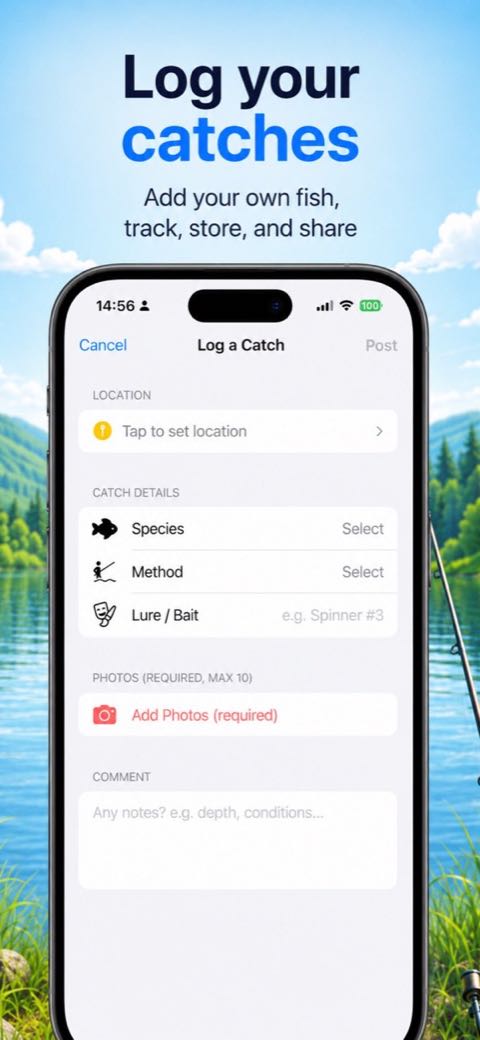
When you log a catch in GetCatch, you add:
- Location. Use your current location, or drop a pin anywhere on the map.
- Species. Choose from the list or type your own.
- Method. For example spinning, ultralight, feeder or bottom rig.
- Lure or bait. Free text, so you can be as specific as "4 g jig, orange paddle tail".
- Photos. At least one, up to ten.
- Comment. Depth, water clarity, conditions, anything you want to remember.
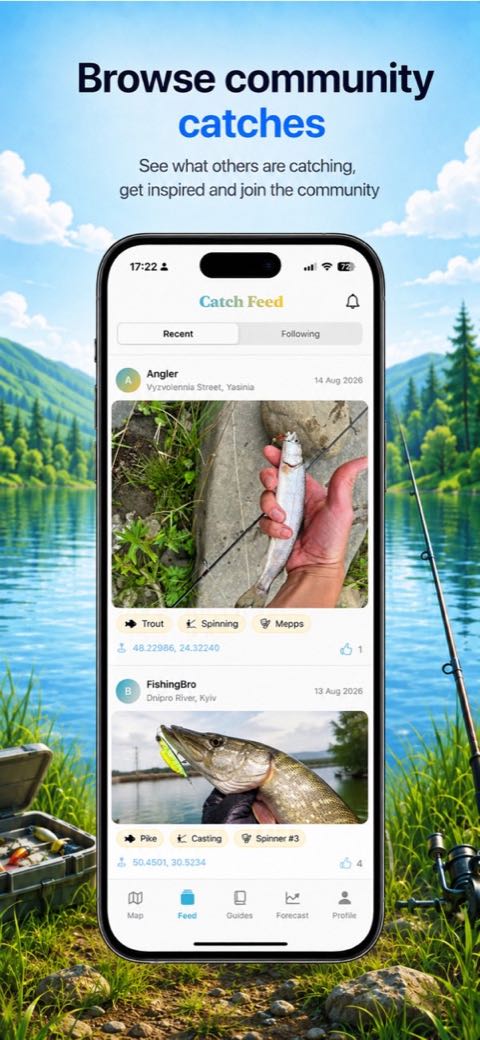
Your catches appear under My Catches in your profile, together with your catch count and the likes your catches have received.
Why a fishing journal helps
A single good day tells you little. Twenty logged trips start to show patterns: which lures work on your water when it is coloured after rain, how late in the year the perch stay shallow, which bay holds pike in October. Combined with the bite forecast, your own history is how you learn when the general model is right for your water and when it is not.
Sharing with the community
GetCatch is a community app. Catches you post are reviewed and then appear in the community feed and on the map, including the location you set. If you do not want to reveal an exact spot, drop the pin at a general location such as the nearest public access point. Other anglers can like your catches, and you can report or block users if you see inappropriate content.
Account and privacy
Logging catches requires signing in with Apple. You can browse the map, feed and forecast without an account. You can delete your account and data at any time from the profile screen. Details are in our privacy policy.
Save your catches in GetCatch
Log species, method, lure, photos and location, and build a history you can come back to before every trip.

Free download. Requires iOS 17 or later.
Getting the most out of your log
- Log blanks too. Write a short comment even when nothing bites. Knowing what did not work is half the value.
- Be specific about lures. "Soft plastic" is less useful than "3-inch shad, motor oil colour, 10 g head".
- Note the water, not just the weather. Clarity, level and temperature (if you measure it) explain many good and bad days.
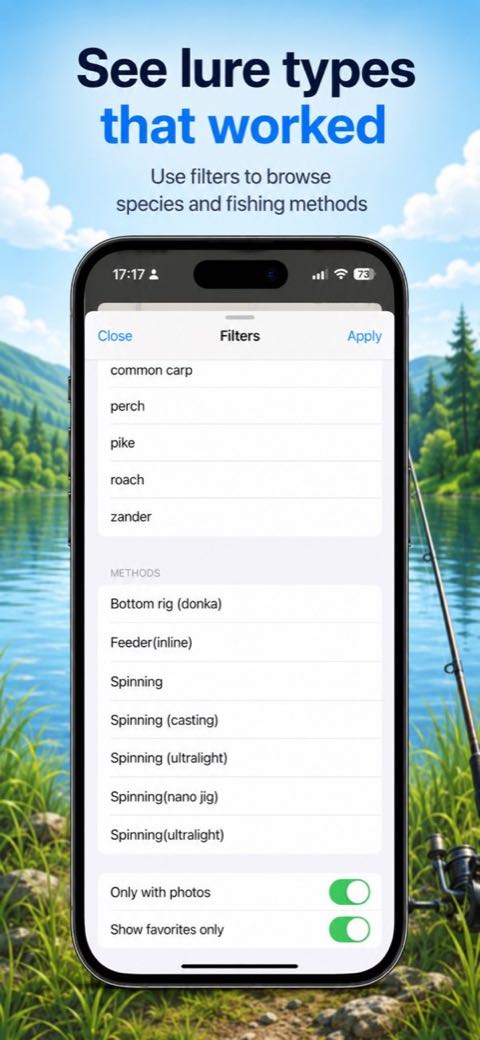
- Review before a trip. Filter the map by species and method to see what has worked nearby, including in Kyiv.